
How to hide a program?

Collapse
This topic is closed.
X
X
 
  • Time
  • Show
Clear All
new posts
  • jvdb

    #1

    How to hide a program?

    Hi all,

    I've created a program that receives files and opens the corresponding
    program (for example adobe acrobat). However, when started, i would
    like to see nothing of the running program. I only want to see the
    program that will be opened.
    Is it possible to start a program 'hidden' or minimized to at least
    the system tray? And, if yes., could some one help me on this?

    Thanks already!

    Jeroen
  • Diez B. Roggisch

    #2
    Re: How to hide a program?

    jvdb wrote:
    Hi all,
    >
    I've created a program that receives files and opens the corresponding
    program (for example adobe acrobat). However, when started, i would
    like to see nothing of the running program. I only want to see the
    program that will be opened.
    Is it possible to start a program 'hidden' or minimized to at least
    the system tray? And, if yes., could some one help me on this?
    I'm not exactly sure what you mean here, but I guess you want the
    command-window suppressed. You can do so by naming your scripts *.pyw,
    which will invoke pythonw.exe instead. That has no command-window.

    Diez

    Comment

    • jvdb

      #3
      Re: How to hide a program?

      On 20 jun, 15:59, "Diez B. Roggisch" <d...@nospam.we b.dewrote:
      jvdb wrote:
      Hi all,
      >
      I've created a program that receives files and opens the corresponding
      program (for example adobe acrobat). However, when started, i would
      like to see nothing of the running program. I only want to see the
      program that will be opened.
      Is it possible to start a program 'hidden' or minimized to at least
      the system tray? And, if yes., could some one help me on this?
      >
      I'm not exactly sure what you mean here, but I guess you want the
      command-window suppressed. You can do so by naming your scripts *.pyw,
      which will invoke pythonw.exe instead. That has no command-window.
      >
      Diez
      Hi Diez,

      I forgot to mention that i have created a Windows executable of the
      script.
      What i want is to run the application minimized in the system tray or
      totally hidden.

      regards,
      Jeroen

      Comment

      • Larry Bates

        #4
        Re: How to hide a program?

        jvdb wrote:
        Hi all,
        >
        I've created a program that receives files and opens the corresponding
        program (for example adobe acrobat). However, when started, i would
        like to see nothing of the running program. I only want to see the
        program that will be opened.
        Is it possible to start a program 'hidden' or minimized to at least
        the system tray? And, if yes., could some one help me on this?
        >
        Thanks already!
        >
        Jeroen
        >
        You can do this with:

        import win32process

        STARTUPINFO=win 32process.START UPINFO()
        STARTUPINFO.dwX =0
        STARTUPINFO.dwY =0
        STARTUPINFO.dwX Size=800
        STARTUPINFO.dwY Size=600
        execute_target= "enter program to run here"
        commandLine=Non e
        processAttribut es=None
        threadAttribute s=None
        bInheritHandles =0
        dwCreationFlags =0
        currentDirector y=None
        #
        # Start the program
        #
        win32process.Cr eateProcess(exe cute_target,
        commandLine,
        processAttribut es,
        threadAttribute s,
        bInheritHandles ,
        dwCreationFlags ,
        newEnvironment,
        currentDirector y,
        STARTUPINFO)


        -Larry Bates

        Comment

        • jvdb

          #5
          Re: How to hide a program?

          On 20 jun, 17:05, Larry Bates <larry.ba...@we bsafe.comwrote:
          jvdb wrote:
          Hi all,
          >
          I've created a program that receives files and opens the corresponding
          program (for example adobe acrobat). However, when started, i would
          like to see nothing of the running program. I only want to see the
          program that will be opened.
          Is it possible to start a program 'hidden' or minimized to at least
          the system tray? And, if yes., could some one help me on this?
          >
          Thanks already!
          >
          Jeroen
          >
          You can do this with:
          >
          import win32process
          >
          STARTUPINFO=win 32process.START UPINFO()
          STARTUPINFO.dwX =0
          STARTUPINFO.dwY =0
          STARTUPINFO.dwX Size=800
          STARTUPINFO.dwY Size=600
          execute_target= "enter program to run here"
          commandLine=Non e
          processAttribut es=None
          threadAttribute s=None
          bInheritHandles =0
          dwCreationFlags =0
          currentDirector y=None
          #
          # Start the program
          #
          win32process.Cr eateProcess(exe cute_target,
          commandLine,
          processAttribut es,
          threadAttribute s,
          bInheritHandles ,
          dwCreationFlags ,
          newEnvironment,
          currentDirector y,
          STARTUPINFO)
          >
          -Larry Bates
          Hi Larry,

          The thing is, i don't want to see anything of my program, just the
          launched program.
          I already have the program working. But when i create an executable of
          it with py2exe and start it, i don't want to see that it is running,
          perhaps just in the systemtray. That is my problem.

          thanks!
          Jeroen

          Comment

          • Thorsten Kampe

            #6
            Re: How to hide a program?

            * jvdb (Wed, 20 Jun 2007 08:22:01 -0700)
            The thing is, i don't want to see anything of my program, just the
            launched program.
            I already have the program working. But when i create an executable of
            it with py2exe and start it, i don't want to see that it is running,
            perhaps just in the systemtray. That is my problem.

            Comment

            • David Wahler

              #7
              Re: How to hide a program?

              On 6/20/07, jvdb <streamservenl@ gmail.comwrote:
              The thing is, i don't want to see anything of my program, just the
              launched program.
              I already have the program working. But when i create an executable of
              it with py2exe and start it, i don't want to see that it is running,
              perhaps just in the systemtray. That is my problem.
              Try renaming your main script to have a .pyw extension as Diez said,
              or use the --windows option when running py2exe.


              -- David

              Comment

              • Gabriel Genellina

                #8
                Re: How to hide a program?

                En Wed, 20 Jun 2007 11:26:09 -0300, jvdb <streamservenl@ gmail.com>
                escribió:
                On 20 jun, 15:59, "Diez B. Roggisch" <d...@nospam.we b.dewrote:
                >jvdb wrote:
                Is it possible to start a program 'hidden' or minimized to at least
                the system tray? And, if yes., could some one help me on this?
                >>
                >I'm not exactly sure what you mean here, but I guess you want the
                >command-window suppressed. You can do so by naming your scripts *.pyw,
                >which will invoke pythonw.exe instead. That has no command-window.
                >
                I forgot to mention that i have created a Windows executable of the
                script.
                How did you create it? Using py2exe? Use windows=your_pr ogram.py instead
                of console=... in your setup script.

                --
                Gabriel Genellina

                Comment

                • jvdb

                  #9
                  Re: How to hide a program?

                  Hi all,

                  thanks very much! it was indeed how i compiled to .exe
                  After using the windows= , my issue was solved. Thanks to all who took
                  the time on helping me.

                  Jeroen

                  Comment

                  • jay graves

                    #10
                    Re: How to hide a program?

                    On Jun 20, 10:43 am, Thorsten Kampe <thors...@thors tenkampe.dewrot e:
                    * jvdb (Wed, 20 Jun 2007 08:22:01 -0700)
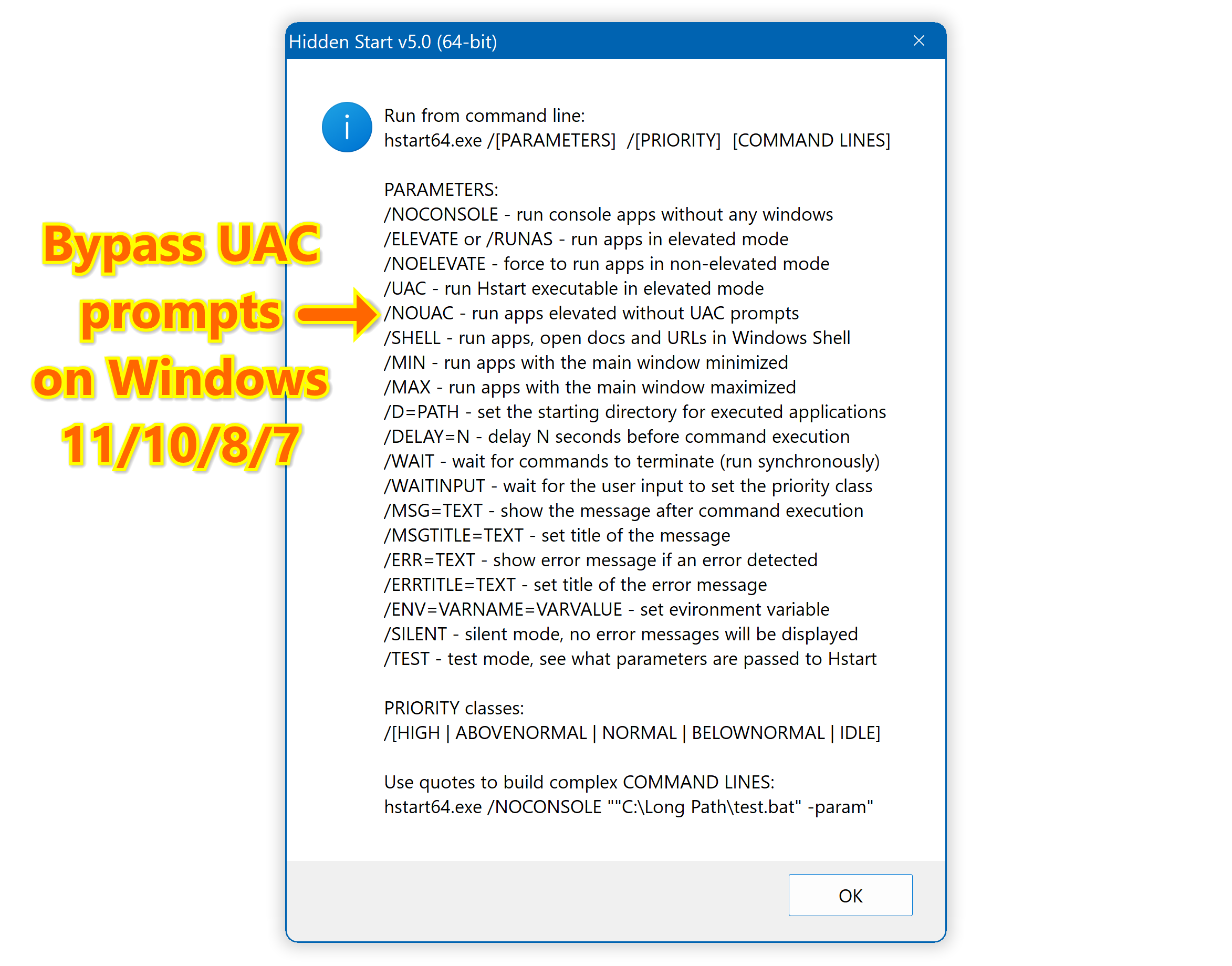
                    http://www.ntwind.com/software/utilities/hstart.html
                    I'm not the OP but this looks very useful to me.

                    Thanks.
                    ....
                    Jay Graves


                    Comment

                    Working...