Cannot open php pages on my development machine

Collapse
This topic is closed.
X
X
 
  • Time
  • Show
Clear All
new posts
  • Gerry

    Cannot open php pages on my development machine

    Problem: On my development machine, I cannot open a page with a .php
    extension.
    - Using FireFox, I get the message: The specified module could not be
    found.
    - Using IE 6.0, I get the messageL The page cannot be displayed.

    What I did:
    I first downloaded and ran the Windows Installer for PHP. I then
    realized that I should have done a manual installation, so I downloaded
    the ZIP file and did the following:
    1 - Unzipped the contents to c:\PHP and set its security so Everyone
    can read/execute
    2 - Copied php.ini-dist to w:\windows\php. ini
    3 - Edited php.ini:
    set -> doc_root = "c:\inetpub\www root"
    set -> extension_dir = "c:\php\ext "
    4 - Set the permissions on php.ini so Everyone could read
    5 - Added c:\PHP to the system path
    6 - Followed the instructions in install.txt entitled "To use the ISAPI
    module, do the following:"
    7 - Rebooted the computer

    What else should I try?

  • Bert Melis

    #2
    Re: Cannot open php pages on my development machine

    Gerry wrote:[color=blue]
    > Problem: On my development machine, I cannot open a page with a .php
    > extension.
    > - Using FireFox, I get the message: The specified module could not be
    > found.
    > - Using IE 6.0, I get the messageL The page cannot be displayed.
    >
    > What I did:
    > I first downloaded and ran the Windows Installer for PHP. I then
    > realized that I should have done a manual installation, so I downloaded
    > the ZIP file and did the following:
    > 1 - Unzipped the contents to c:\PHP and set its security so Everyone
    > can read/execute
    > 2 - Copied php.ini-dist to w:\windows\php. ini
    > 3 - Edited php.ini:
    > set -> doc_root = "c:\inetpub\www root"
    > set -> extension_dir = "c:\php\ext "
    > 4 - Set the permissions on php.ini so Everyone could read
    > 5 - Added c:\PHP to the system path
    > 6 - Followed the instructions in install.txt entitled "To use the ISAPI
    > module, do the following:"
    > 7 - Rebooted the computer
    >
    > What else should I try?
    >[/color]
    I'm I missing something here, or do you have a webserver installed, and
    is this webserver configured to work with PHP?

    Comment

    • Berimor

      #3
      Re: Cannot open php pages on my development machine

      On 26 Nov 2005 10:06:16 -0800, Gerry <gerry@pairofdo cs.net> wrote:
      [color=blue]
      > Problem: On my development machine, I cannot open a page with a .php
      > extension.
      > - Using FireFox, I get the message: The specified module could not be
      > found.
      > - Using IE 6.0, I get the messageL The page cannot be displayed.
      >
      > What I did:
      > I first downloaded and ran the Windows Installer for PHP. I then
      > realized that I should have done a manual installation, so I downloaded
      > the ZIP file and did the following:
      > 1 - Unzipped the contents to c:\PHP and set its security so Everyone
      > can read/execute
      > 2 - Copied php.ini-dist to w:\windows\php. ini
      > 3 - Edited php.ini:
      > set -> doc_root = "c:\inetpub\www root"
      > set -> extension_dir = "c:\php\ext "
      > 4 - Set the permissions on php.ini so Everyone could read
      > 5 - Added c:\PHP to the system path
      > 6 - Followed the instructions in install.txt entitled "To use the ISAPI
      > module, do the following:"
      > 7 - Rebooted the computer
      >
      > What else should I try?
      >[/color]

      Looks like youre newbie. :)
      To run the PHP site you need to set up a web server on your machine first.
      Goto http://httpd.apache.org and download latest version for your OS.
      It shouldn't work out from first attempt though :) - but mybe you'' manege.
      Who's digging - always finding :)


      --
      Exact Meta Search | Major Search Engine http://exactsearcher.com
      Web Design Essex | Multimedia | Printing http://nextwave.co.uk

      Comment

      • Thejo

        #4
        Re: Cannot open php pages on my development machine

        The simplest way is to use one of the following -


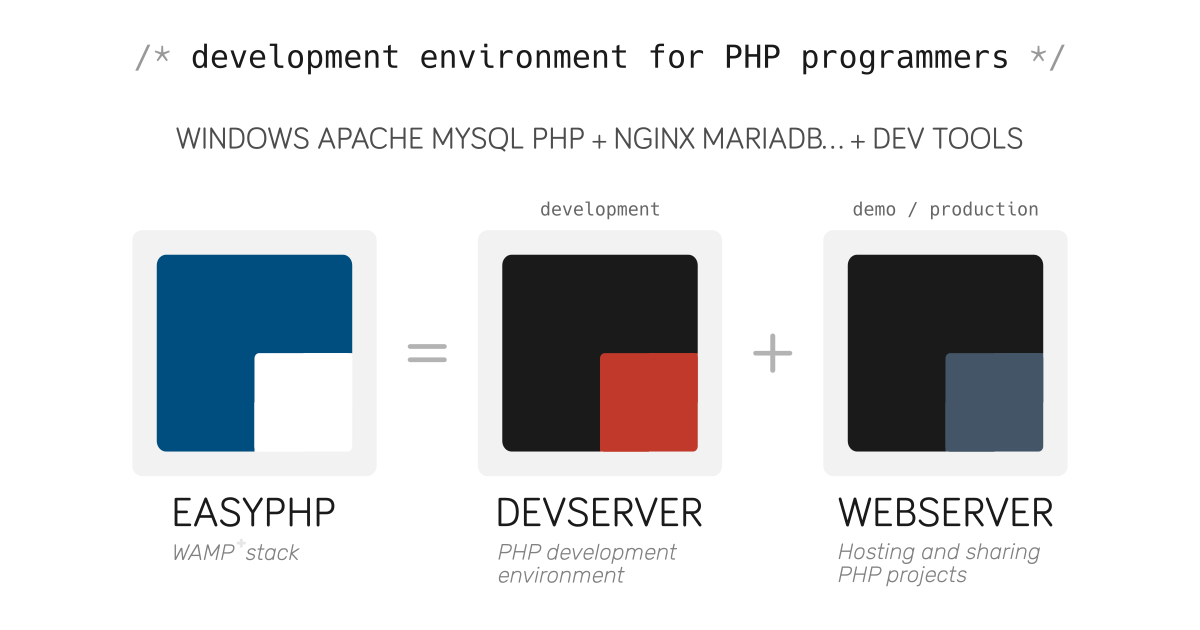
        A complete and ready-to-use PHP development environment on Windows including the web server Apache, the SQL Server MySQL and others development tools.


        Comment

        Working...