
I've read two threads that have been closed in which a user posed the question,
"Can I disable text selection using CSS?"
The responses were either hopeless or critical of the inquirer. I thought it'd be a nice gesture to answer the question with what was expected as well as some pointers regarding the topic.
Answer: YES.
An article posted some time ago describes the process of overriding the default selection color employed by browsers. This property is accessible through CSS.
Code:
The article where I found this can be read here:
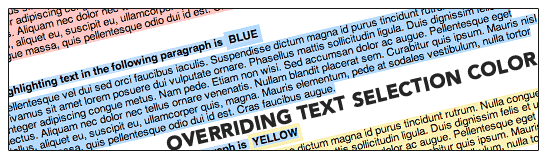
Although the article describes changing the color of the selection box, we can simulate a disabled selection by changing the background property to "none".
PROS: Your desired result is achieved.
CONS: Limited support across all browsers; not a truly disabled selection.
I'll add that the referenced site, css-tricks.com, is an excellent source for these types of questions. Additionally, visit smashingmagazin e.com for articles that cover the latest web technologies and tricks being used by developers.
Hope this helps!
"Can I disable text selection using CSS?"
The responses were either hopeless or critical of the inquirer. I thought it'd be a nice gesture to answer the question with what was expected as well as some pointers regarding the topic.
Answer: YES.
An article posted some time ago describes the process of overriding the default selection color employed by browsers. This property is accessible through CSS.
Code:
Code:
::selection {
	background: none; /* Safari */
	}
::-moz-selection {
	background: none; /* Firefox */
}
Although the article describes changing the color of the selection box, we can simulate a disabled selection by changing the background property to "none".
PROS: Your desired result is achieved.
CONS: Limited support across all browsers; not a truly disabled selection.
I'll add that the referenced site, css-tricks.com, is an excellent source for these types of questions. Additionally, visit smashingmagazin e.com for articles that cover the latest web technologies and tricks being used by developers.
Hope this helps!
Comment